
The Time Machine allows you to roll back to previous versions of WordPress core, plugins, and themes.
This is particularly useful if an update causes a conflict or makes your site inaccessible.
Instead of spending hours troubleshooting, you can simply undo the update by reverting to the stable, previous version.
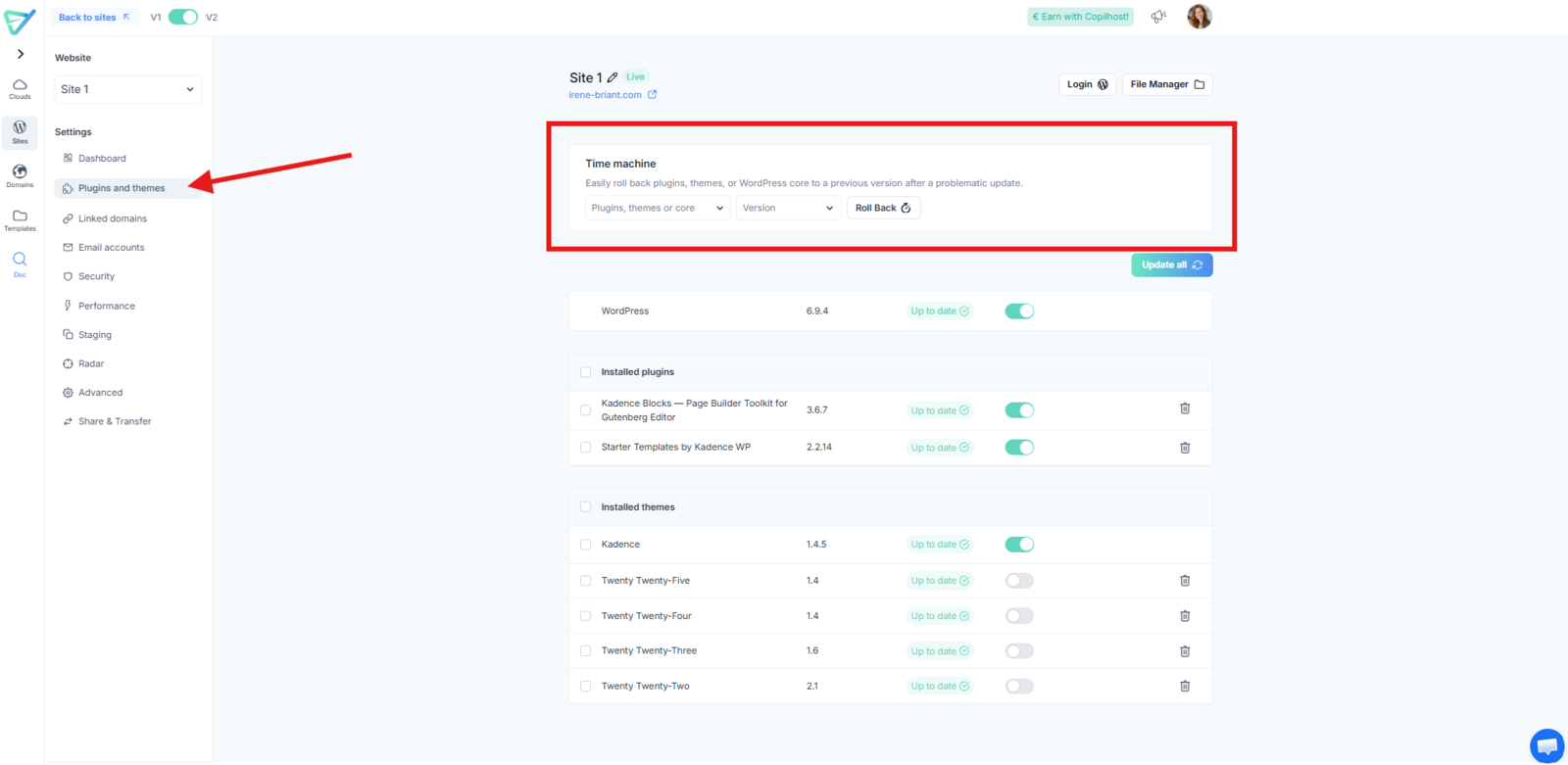
How to use the Time Machine:
- Select the specific version (WordPress, plugin, or theme) you wish to reinstall.
- Click the "Roll Back" button.
- A pop-up will appear asking you to confirm the action.
⚠️ Important Warnings:
- Compatibility: While almost nothing is irreversible at Copilhost, choosing a version that is too old can cause issues. For instance, an outdated theme might conflict with recent plugin versions, potentially leading to display or functional errors.
- Going back to the latest version: If you want to return to the current version, simply go back to the "Plugins & Themes" tab and run the update as usual.