
To make your website temporarily inaccessible to visitors, you can activate Maintenance Mode with a single click from your site's dashboard in Copilhost:
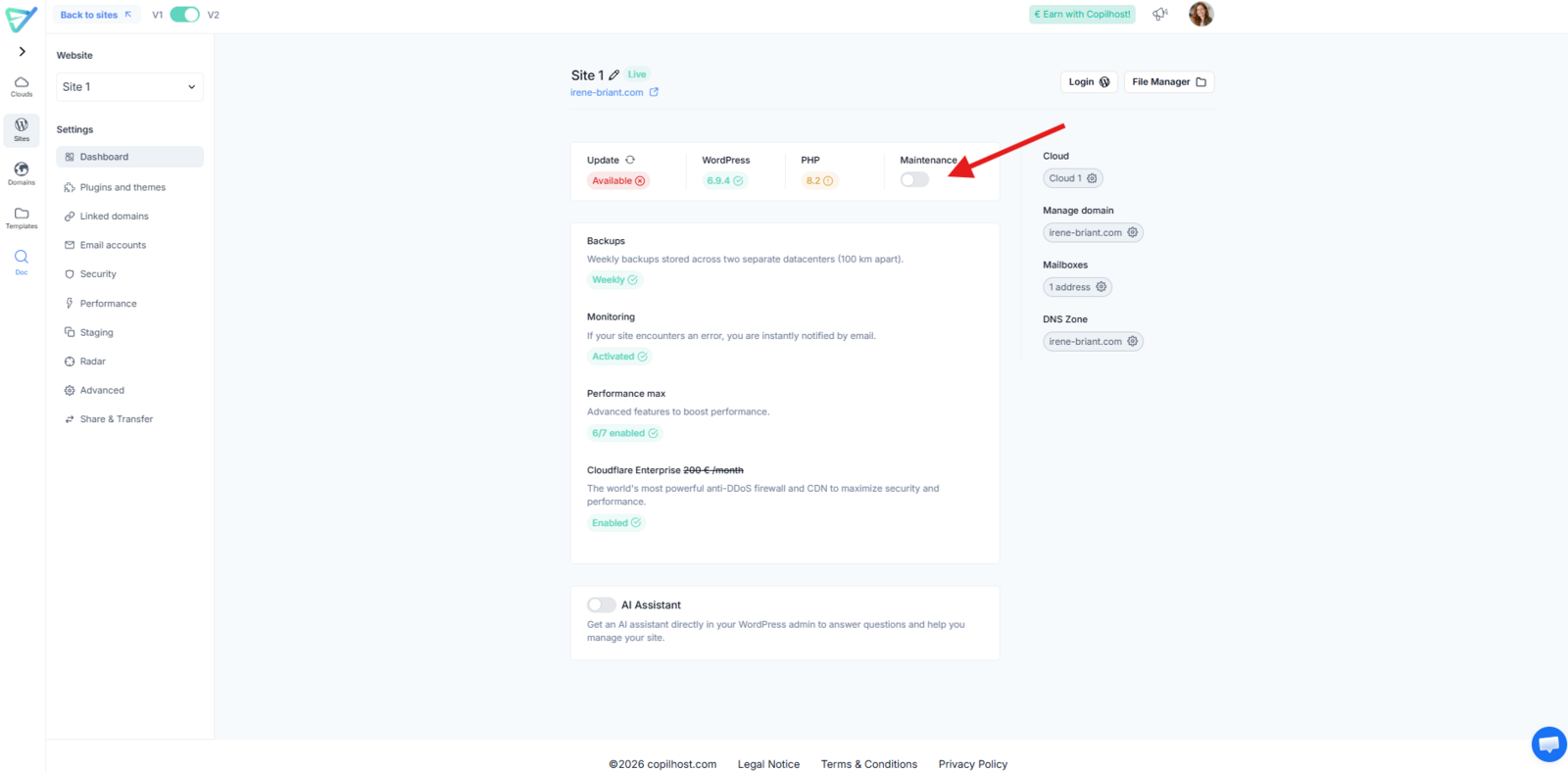
What changes?
- For You: You will still have full access to your site via your administrator account.
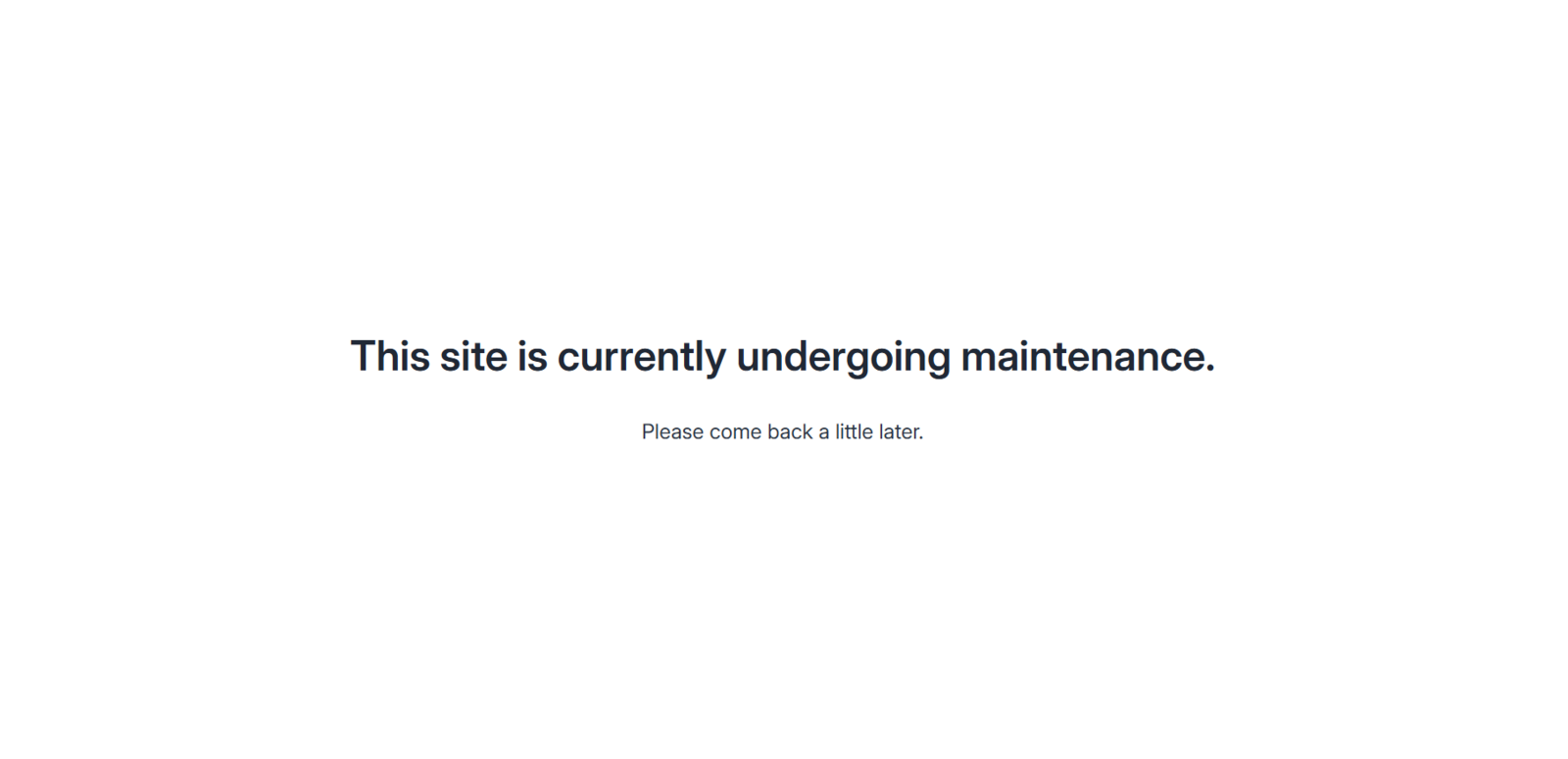
- For Your Visitors: Your site will display a maintenance page like this:
Deactivating Maintenance Mode
Once you are ready to go live again, simply turn off the toggle switch.
Please note: It typically takes between 15 and 30 seconds for the maintenance mode to be fully deactivated and for your site to become accessible to visitors again.